How to pre-order smash burgers in Leicester
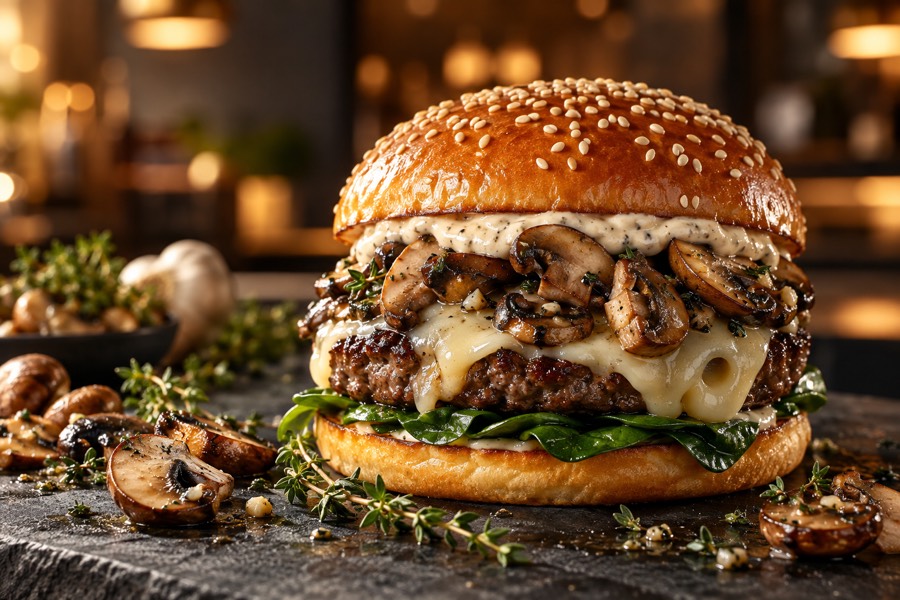
To pre-order DesiSmash, build your basket on the website, choose collection or delivery and a Friday, Saturday or Sunday time slot, then send your order on WhatsApp. Your order is confirmed when Chef Hass replies, and you pay on collection or delivery.
DesiSmash is a pre-order kitchen. That means every burger is cooked for a specific time slot, so you are never served something that has been waiting. This guide walks you through each step, so you know exactly what to expect.
Before you start: when are we open?
- Friday: 5:00 pm to 10:30 pm
- Saturday: 5:00 pm to 10:30 pm
- Sunday: 5:00 pm to 10:30 pm
Last orders are at 10 pm. We prep on Thursday and do not take orders on other days. If you visit on a day we are closed, you can still build your basket and pick the next open slot.
Step 1: build your basket
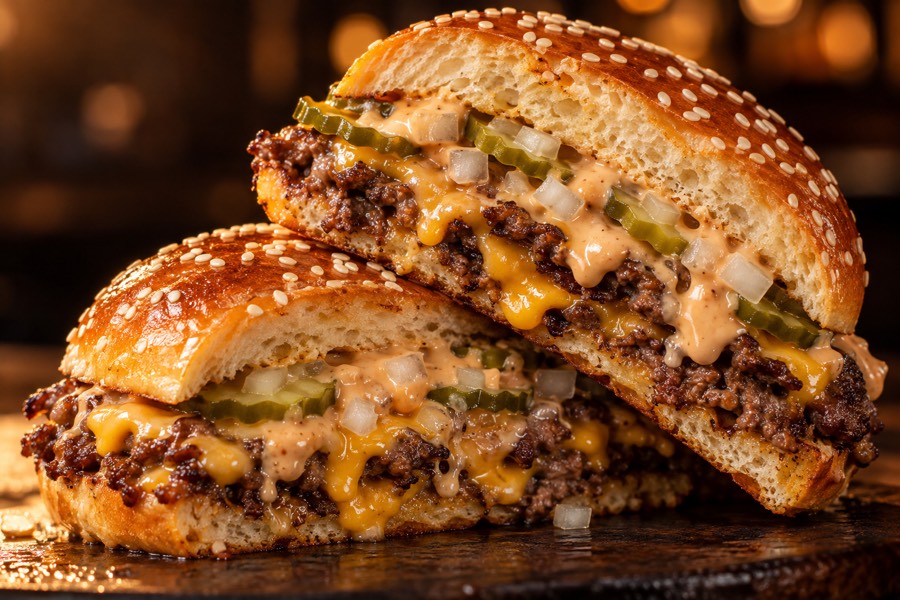
Open the menu. Tap a burger, choose Original or Desi, beef or chicken, decide whether to make it a meal with fries and a can, and add it to your basket. You can add sides, dip pots and drinks, and you can leave notes for allergies or small changes. If you need help choosing, read which smash burger to order first.
Step 2: collection or delivery
In your basket, choose Collection or Delivery.
- Collection is always free.
- Delivery is within 3 miles of our kitchen, priced by distance. Enter your postcode and press "Check delivery fee" and you will see the exact fee before you order. Your postcode must be checked before the order will send.
Step 3: pick a day and time slot
Slots are 30 minutes long, starting from 5 pm. The earliest slot available today is about 45 minutes after you order, which gives us time to prepare your food. Slots that have already passed are not shown.
Step 4: add your details
We need your name and a mobile number we can reach you on. If you are having delivery, add your address and postcode. Your email is optional. If you add it and tick the box, we will also send our weekend specials, but you never have to.
Step 5: send your order on WhatsApp
When you press "Send order on WhatsApp", the website opens WhatsApp with your order already written for you. You must press send in WhatsApp so that Chef Hass sees it.
When you come back to the website, you will see an "Order received" message with a summary of your order, so you know it has gone through. The message also says your order is waiting for Chef Hass to confirm it.
Step 6: wait for confirmation
Chef Hass replies on WhatsApp to confirm your order and slot. Your order is only confirmed once he has replied. If something is sold out, or a slot cannot be met, he will let you know.
Step 7: pay and enjoy
You pay when you collect or when your delivery arrives. Your burgers are smashed fresh for your slot, so be ready to eat them hot. If you want to keep delivered burgers crisp, see our delivery tips.
If something goes wrong
- WhatsApp did not open: use "Copy order text" and paste it into a WhatsApp message to us.
- You need to change your order: reply on WhatsApp as soon as possible.
- The website says we are closed: sometimes we close for a weekend, and the site shows a message when we do.
- Allergies: always add them in the notes box.
Ready?
Pre-order for this weekend in Leicester or Glenfield. Open the menu, choose your burgers and send your order on WhatsApp.
Keep reading
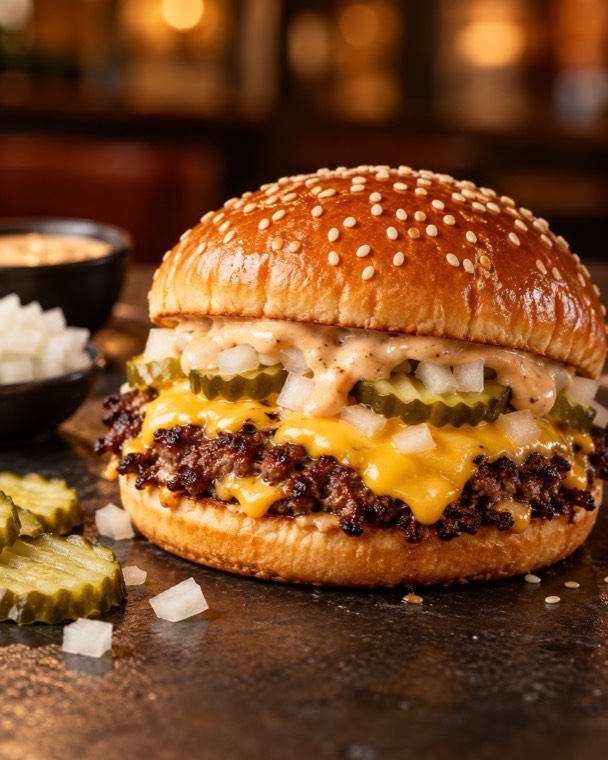 Smash Burgers in Glenfield, LeicesterLooking for smash burgers in Glenfield, Leicester? DesiSmash cooks chef-made Original and Desi burgers Fri to Sun, for collection and delivery.
 Smash Burger Delivery in Leicester: How It WorksSmash burger delivery in Leicester and Glenfield: how pre-ordering works, how delivery is priced, and tips to keep your burger hot and crisp.
 Ordering Smash Burgers for a Group or FamilyHow to order smash burgers for a group or family in Leicester and Glenfield: what to pick, how much to order, and tips for one slot and one basket.